IDM Crawler vs Screaming Frog: Which Website Audit Tool Is Right for Your Team?
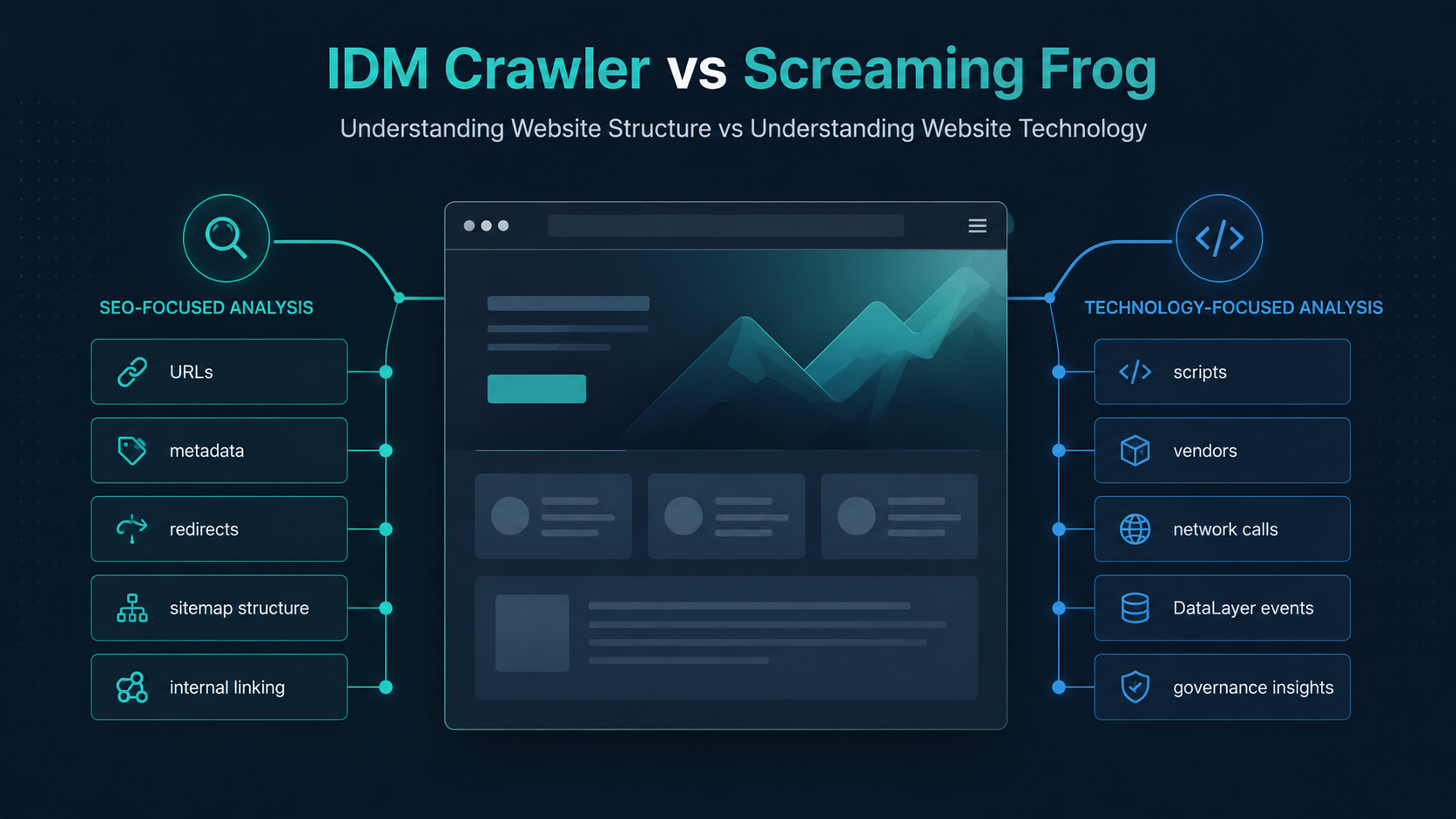
Website crawlers are often grouped into a single category, but the reality is that different tools are designed for very different outcomes.
Some crawlers focus on SEO and content discovery. Others focus on technology auditing, script governance, and understanding what is actually running inside a website.
In this article, we’ll compare IDM Crawler and Screaming Frog across four key areas to help teams understand where each tool fits within a modern website governance workflow.
1. Crawl Purpose: SEO Auditing vs Technology Discovery
Screaming Frog is primarily designed as an SEO crawler. It excels at discovering pages, analyzing metadata, identifying broken links, reviewing redirects, and auditing technical SEO issues across a website.
IDM Crawler takes a different approach. Rather than focusing on search engine optimization, it focuses on understanding the technology stack operating within a website.
Typical outputs include:
- Third-party script inventory
- Vendor discovery
- Network request visibility
- DataLayer inspection
- Governance-oriented audit views
For teams investigating analytics implementations, tag deployments, or third-party technology usage, the two tools often answer different questions.
Screaming Frog asks:
How is the website structured and optimized for search?
IDM Crawler asks:
What technologies are operating on this website and how are they being deployed?
2. Visibility Into Scripts and Third-Party Technologies
Modern websites often load dozens of external technologies including analytics platforms, advertising tags, consent tools, personalization vendors, and customer experience solutions.
Screaming Frog provides visibility into page structure and can surface certain JavaScript-related information, but technology governance is not its primary focus.
IDM Crawler is designed to make these technologies easier to investigate by exposing:
- Script resources discovered during crawling
- Third-party domains
- Vendor usage across pages
- Network activity generated by page loads
This can help teams understand which vendors are present, where they appear, and how widely they are deployed throughout a site.
For organizations attempting to reduce technical debt or improve governance practices, this perspective can complement traditional SEO audits.
3. Data Collection Scope
Both tools crawl websites, but they prioritize different types of information.
| Screaming Frog | IDM Crawler |
|---|---|
| URLs | Scripts |
| Metadata | Vendors |
| Redirects | Network Requests |
| Canonicals | DataLayer Objects |
| Status Codes | Client-side Technologies |
| Internal Linking | Technology Governance Signals |
As a result, many teams may find that the tools are not direct replacements for one another.
SEO specialists may spend most of their time reviewing crawl health and metadata.
Analytics engineers, MarTech teams, and governance stakeholders are often more interested in understanding how technologies are deployed across the site.
4. Governance and Technical Oversight
As websites grow, so does the number of technologies operating behind the scenes.
One challenge many organizations face is maintaining visibility over:
- Third-party vendors
- Analytics implementations
- Tag management deployments
- Data collection practices
Screaming Frog provides excellent visibility into website structure and technical SEO performance.
IDM Crawler is designed to support technology auditing workflows by providing a centralized view of the technologies discovered during a crawl.
This can be particularly useful during:
- MarTech audits
- Vendor reviews
- Analytics assessments
- Governance investigations
- Website migration projects
Comparison Summary
| Capability | IDM Crawler | Screaming Frog |
|---|---|---|
| Technology Discovery | ✓ | Limited |
| Third-Party Script Visibility | ✓ | Limited |
| Vendor Identification | ✓ | Limited |
| Network Request Visibility | ✓ | No |
| DataLayer Inspection | ✓ | No |
| SEO Auditing | Limited | ✓ |
| Metadata Analysis | Limited | ✓ |
| Redirect Auditing | Limited | ✓ |
| Site Architecture Analysis | Limited | ✓ |
Choosing the Right Tool
The best choice depends on the problem you’re trying to solve.
Choose Screaming Frog if your primary goal is:
- Technical SEO auditing
- Site structure analysis
- Metadata optimization
- Redirect management
Choose IDM Crawler if your primary goal is:
- Understanding third-party technologies
- Discovering scripts and vendors
- Investigating network activity
- Reviewing DataLayer implementations
- Supporting governance initiatives
In many organizations, these tools can complement one another by providing visibility into different aspects of the same website.
A technical SEO audit can help you understand how a website is structured, while a technology audit can help you understand what is operating behind the scenes.
As websites continue to grow in complexity, both perspectives become increasingly important.
← Back to Blog